
Document and contract analysis
Finding clauses, risks and differences between contract versions. Every answer links to the exact passage in the files.
Legal professional privilege rules out sending case files to public chatbots. That is why we deploy closed language models running on a server in the law firm: they analyse documents, prepare reports and track legal changes, and the data goes nowhere.
An assistant that knows the case files and current law.
Finding clauses, risks and differences between contract versions. Every answer links to the exact passage in the files.
File summaries, timelines, evidence lists – in minutes instead of hours.
A daily review of the Journal of Laws, Monitor Polski and draft bills from official sources, flagging which cases a change affects.
Answers organisational questions, collects case details and books consultations – with no access to the files.
The firm handles court and administrative disputes for large companies. We don’t disclose the client’s name – we are bound by a non-disclosure agreement.
Analysing scans, extracting facts and deadlines, comparing documents and drafting repetitive parts of pleadings.
Client documents cannot go to ChatGPT or any external API – professional secrecy and contracts require it.
The knowledge base, prompts, templates and configuration belong to the firm and can be handed over to another contractor.
Every claim the system makes must point to the document and page it comes from.
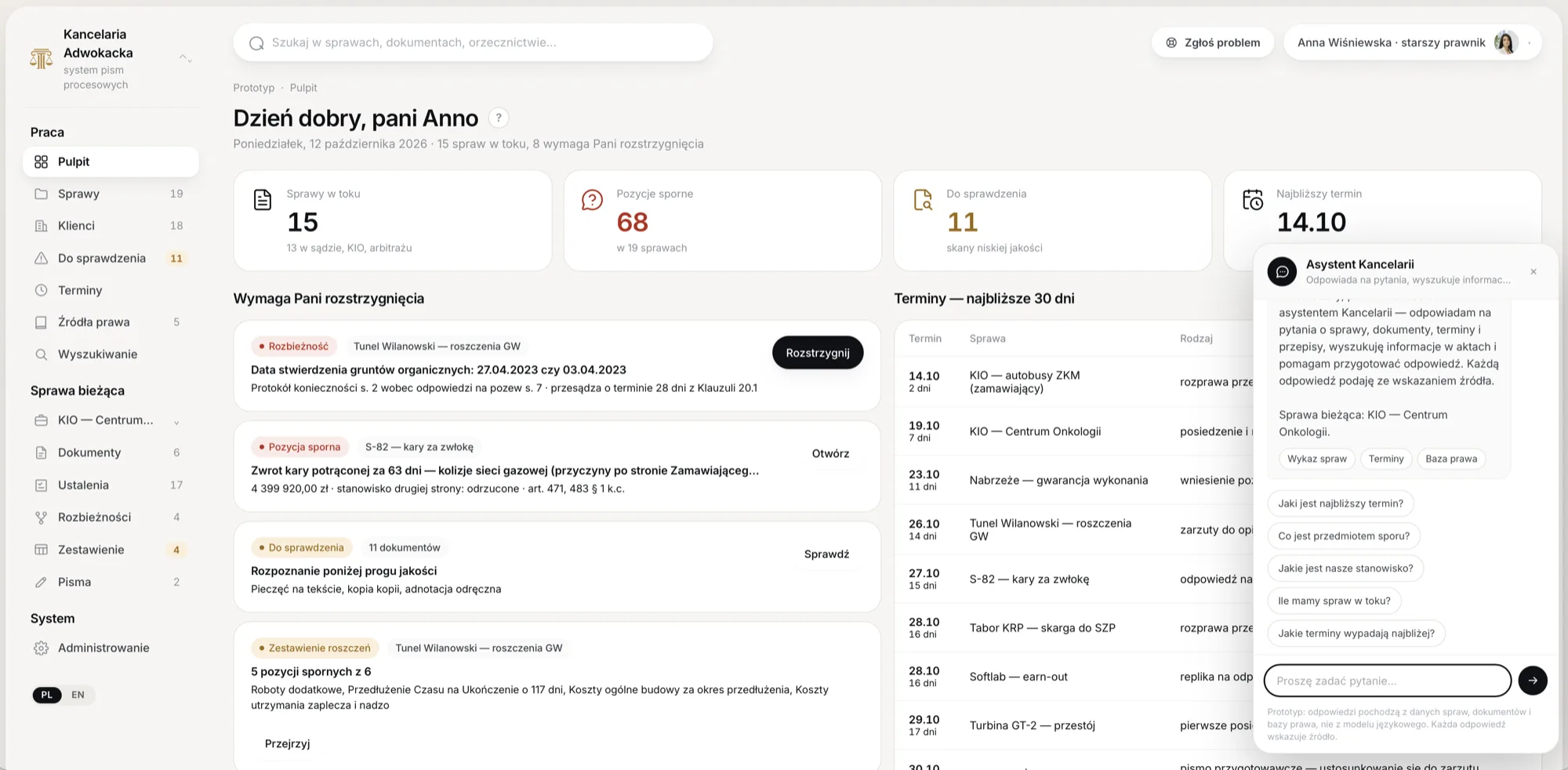
Three deadlines expire this week:
The agent sees only what a given lawyer has access to. Permissions are checked before the search, so the agent never even learns that someone else’s case exists.
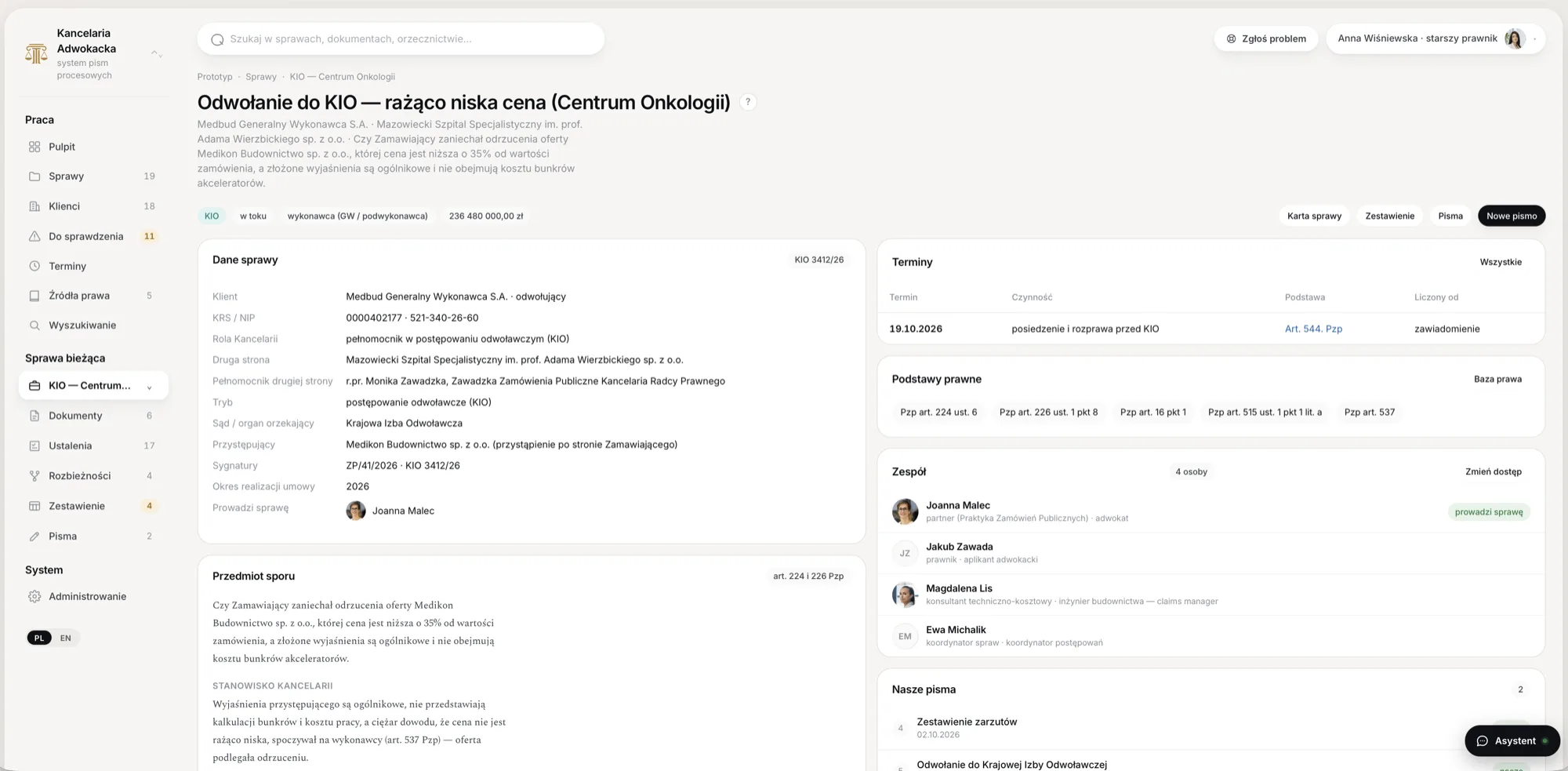
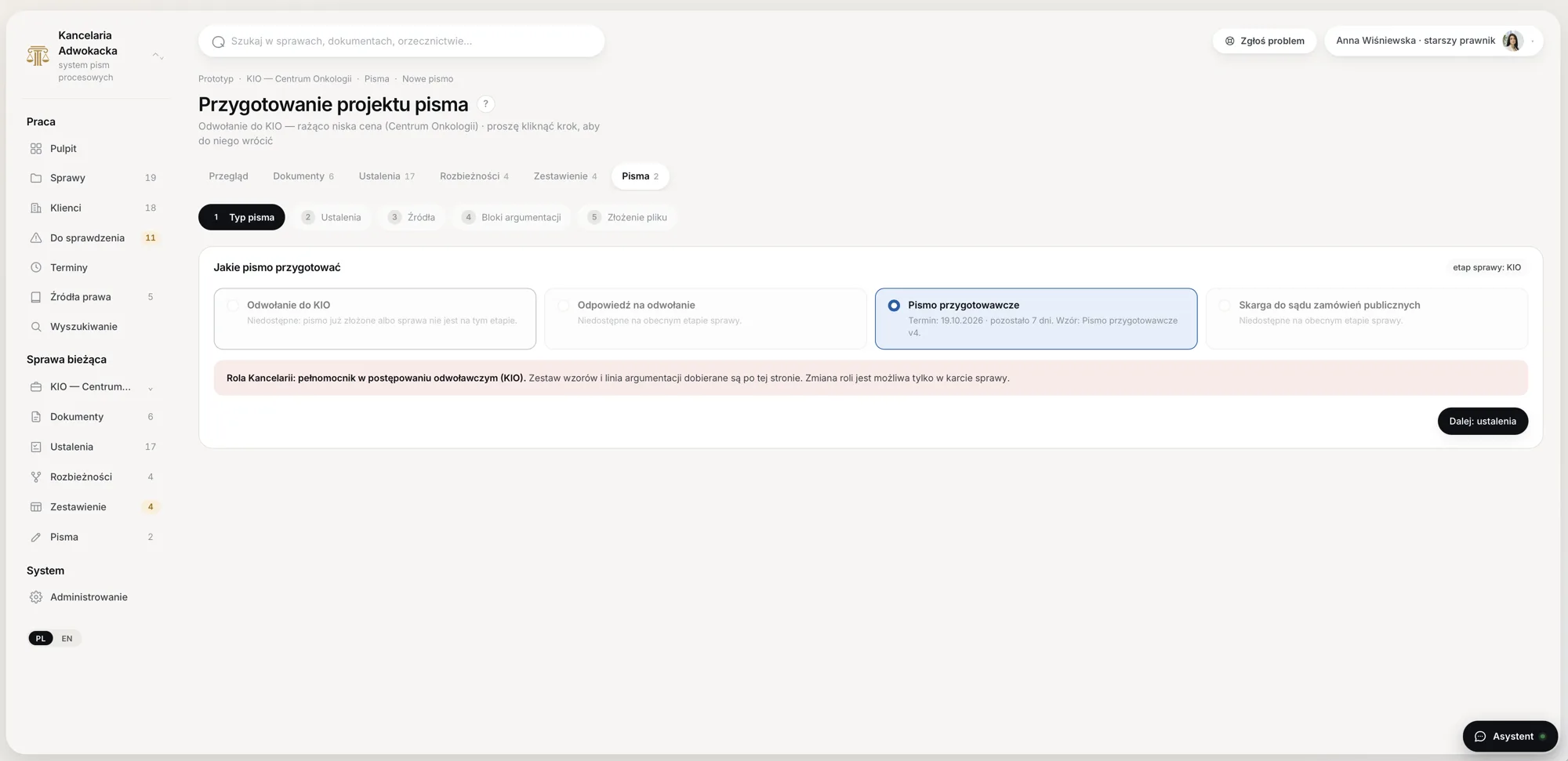
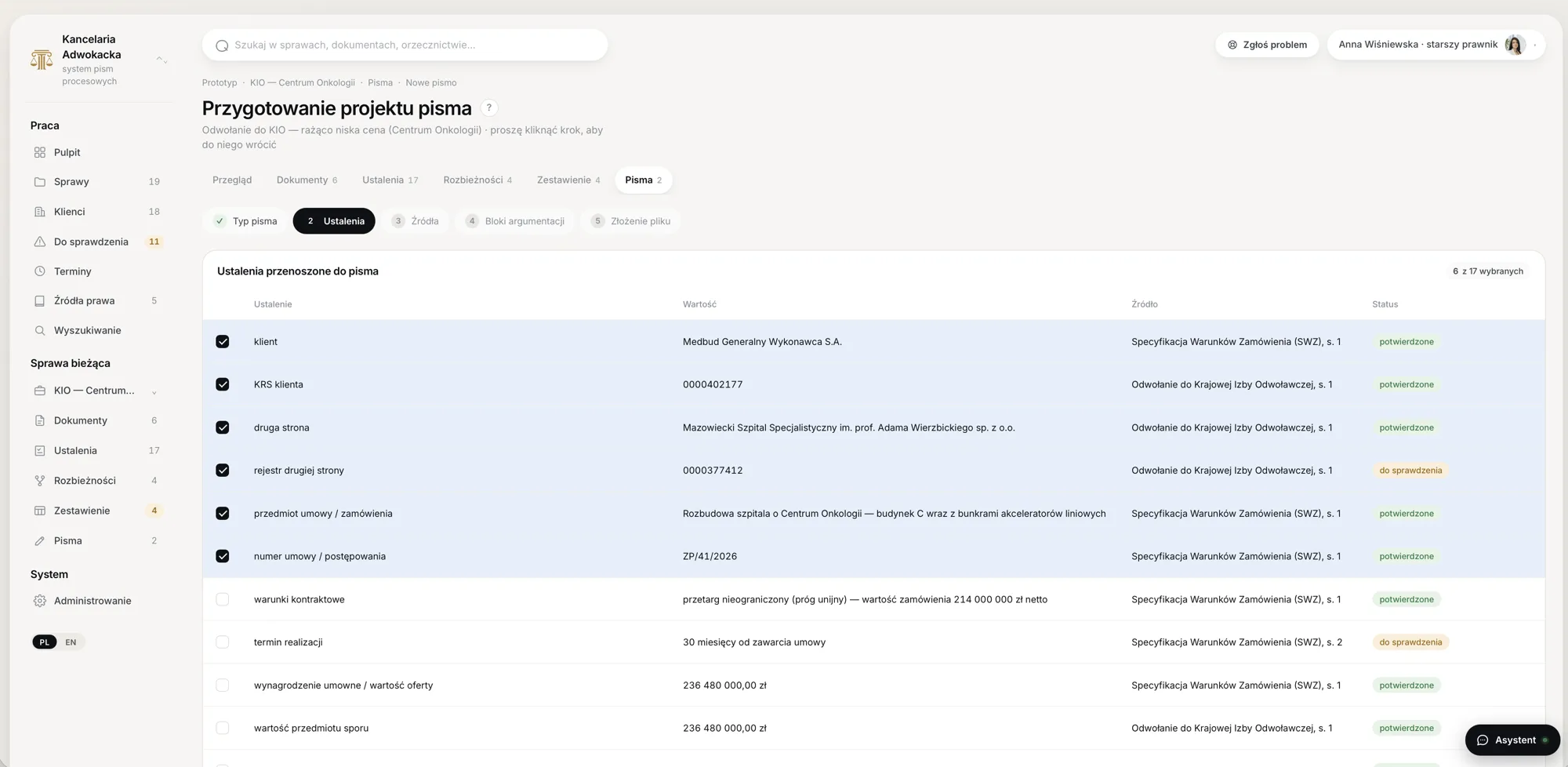
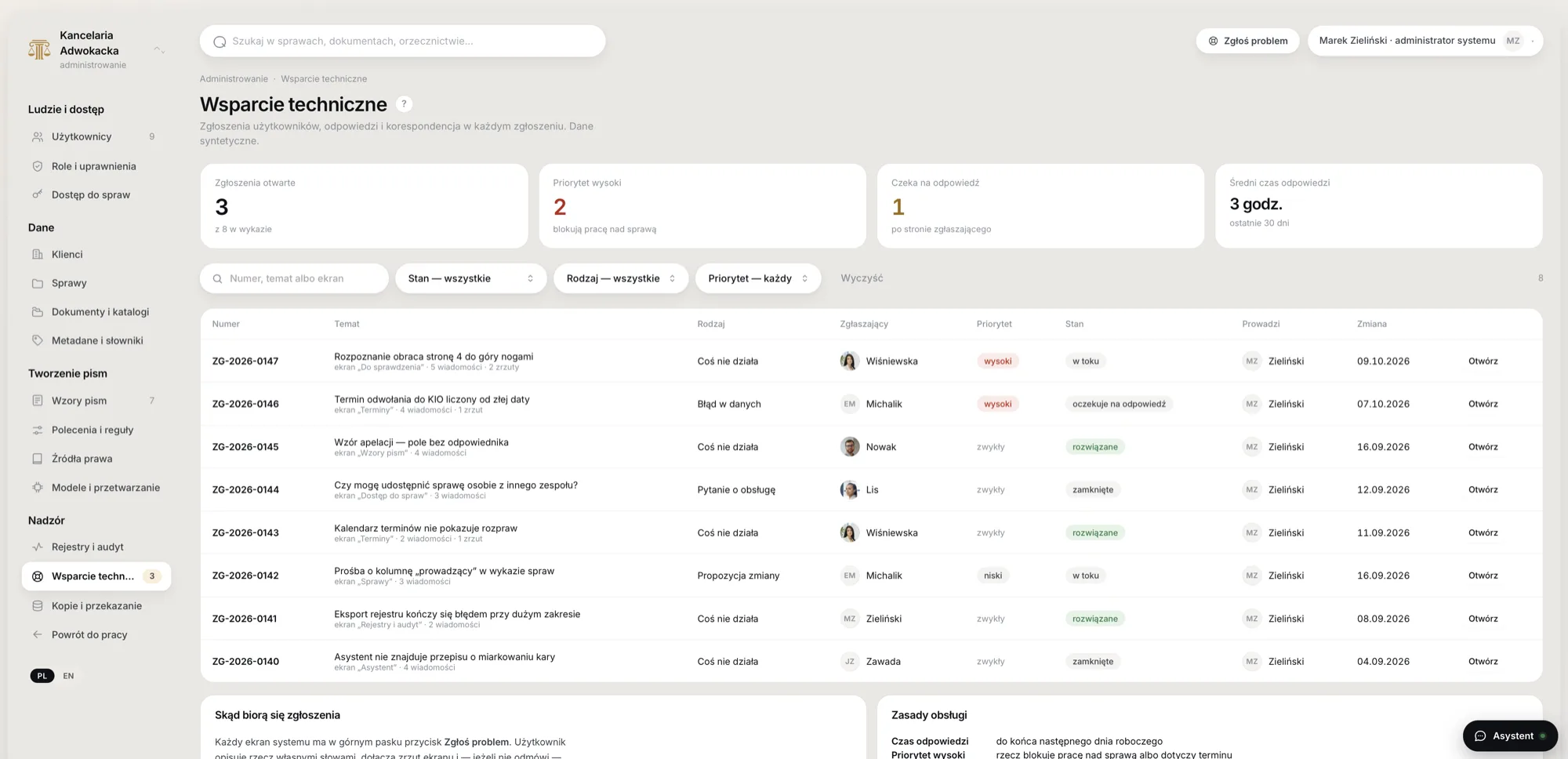
A clickable prototype on synthetic data – 366 screens. Click a screenshot to see it full size.
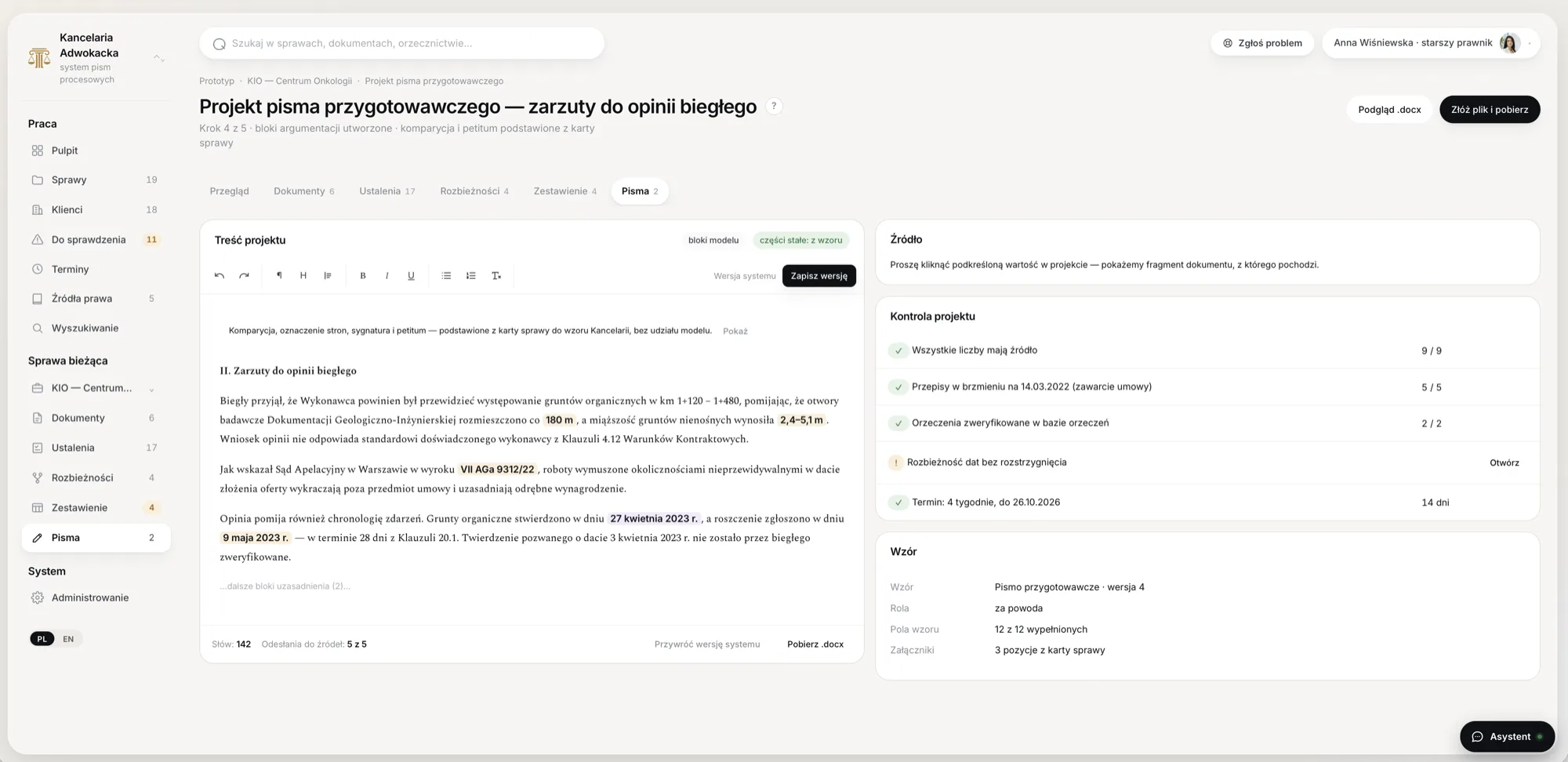
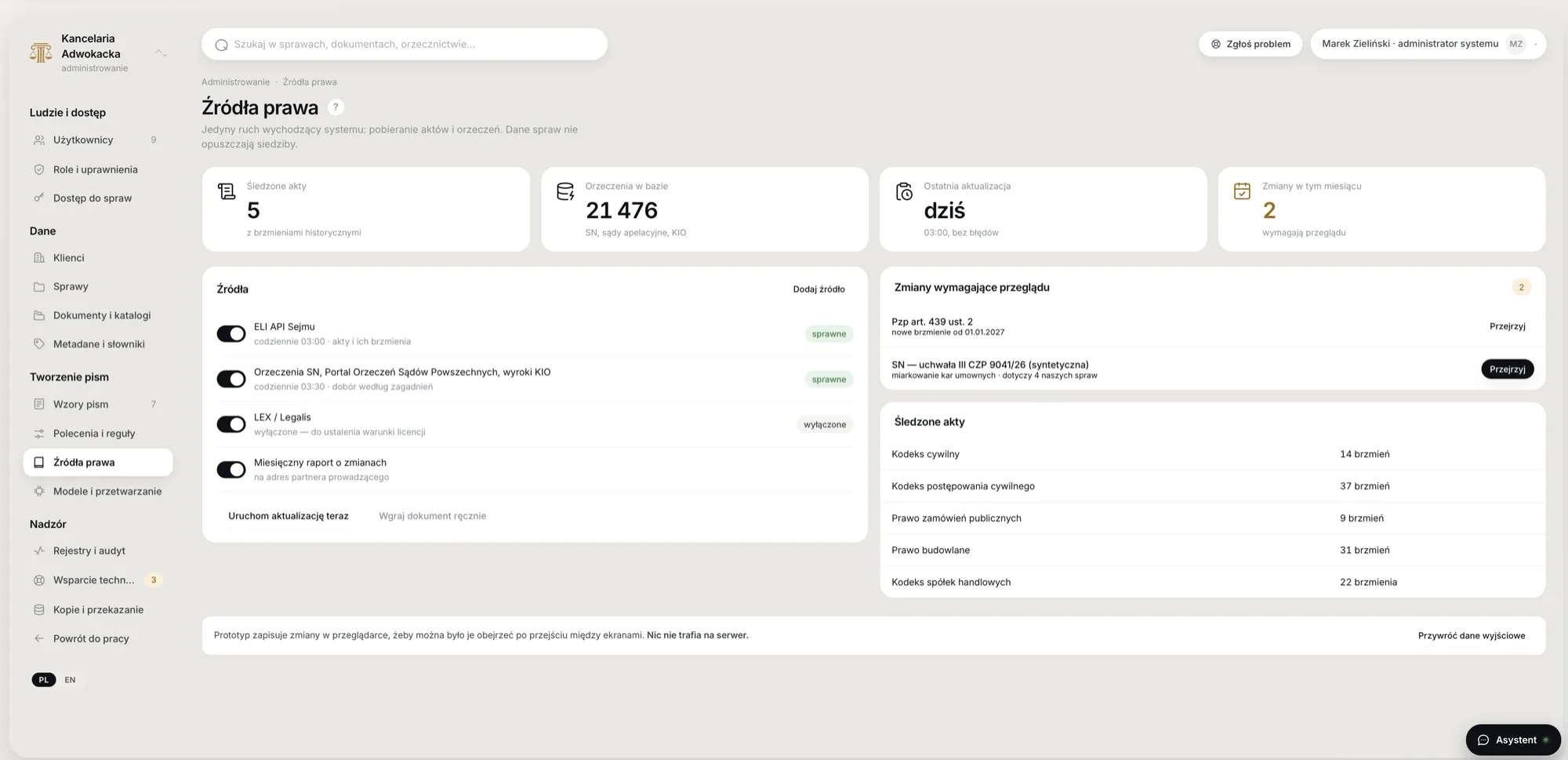
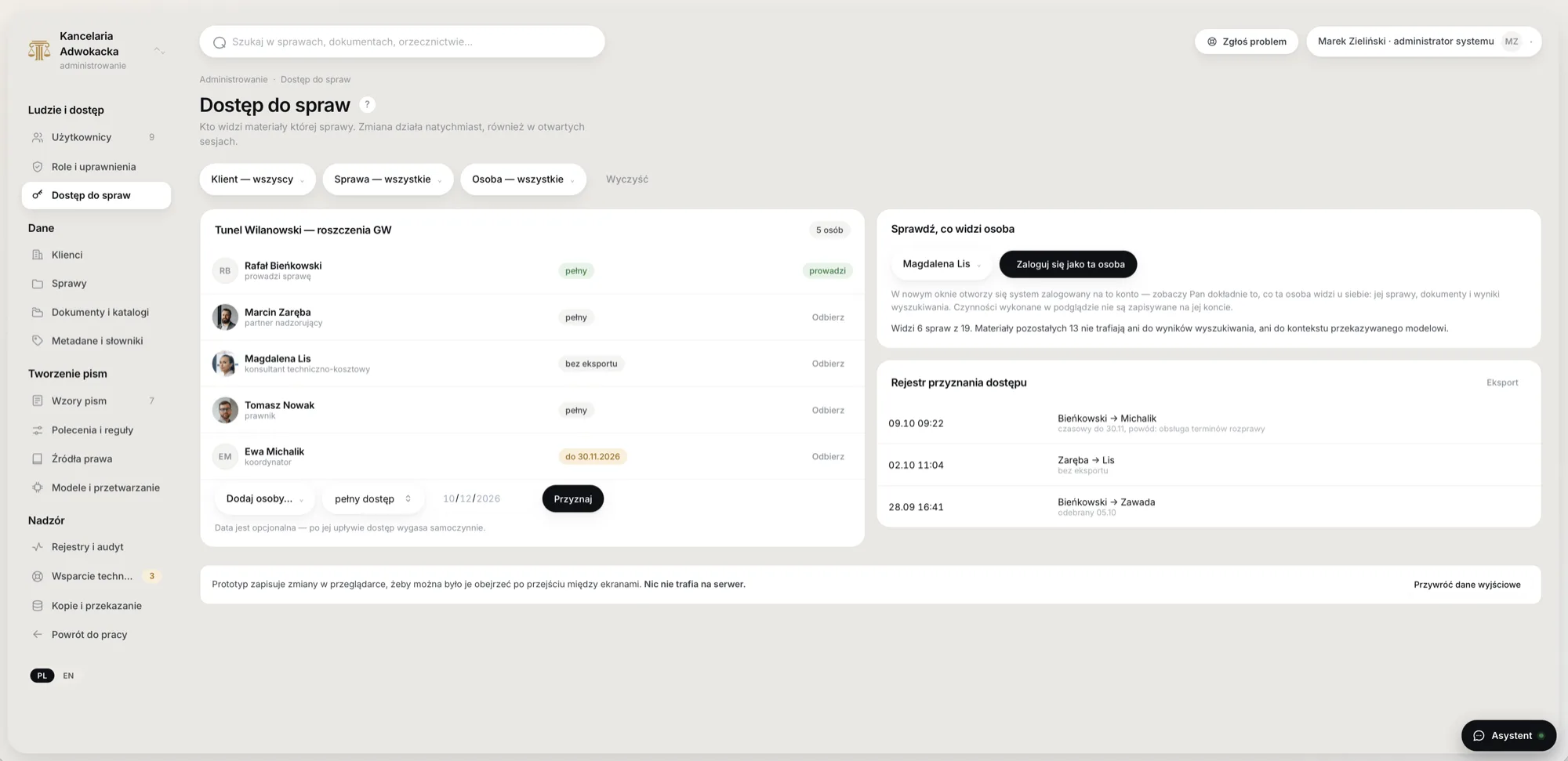
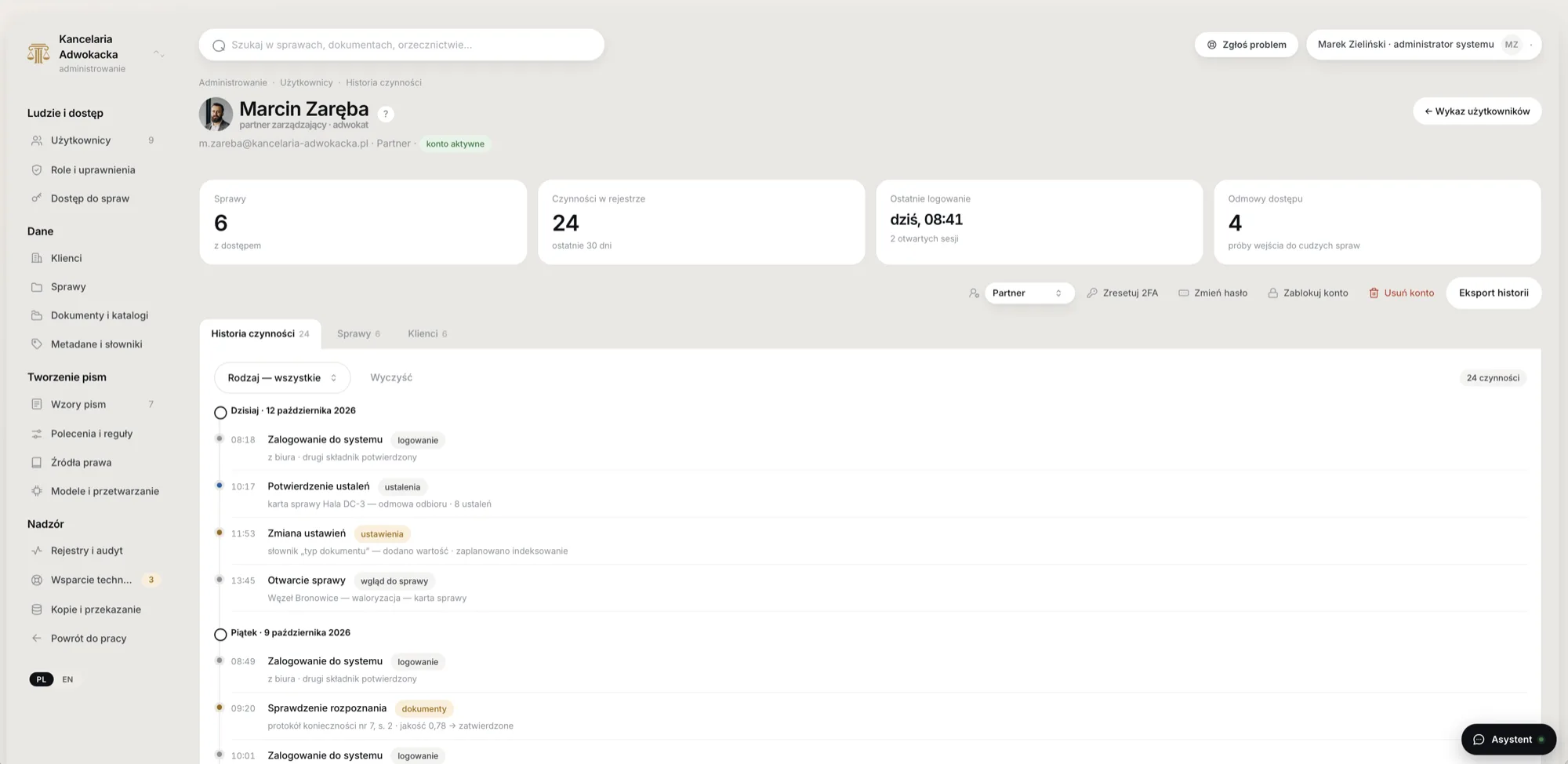
Every decision serves the same goal: data stays in the office and every conclusion can be checked.
Knowledge comes from an external base with citations – easy to update and verify. Style adaptation (LoRA) optionally later.
A Mac Studio in the office, no internet access. Remote access via the firm’s own VPN (Headscale / WireGuard) with 2FA, no SaaS middlemen.
Every fragment is tagged with client and case. The filter runs before vector search, so another case’s fragment physically can’t reach an answer.
Each provision is stored with its period of validity, and the system applies the wording in force on the given day.
Licences that allow commercial use. Everything can be exported – no lock-in to us.
Runtime: MLX on Apple Silicon.
Models (pilot): Qwen3.6 27B, Mistral Small 3.x and 4, gpt-oss-120b, Bielik 11B v3 for Polish.
OCR: docling + multimodal Mistral Small.
Search: bge-m3, bge-reranker-v2-m3, BM25 + vectors in Qdrant / pgvector.
Documents and law: docxtpl, Polish Sejm ELI API, court rulings database.
A clear next path: pilot → model and hardware choice → staged rollout. The interface can be explored on synthetic data.
We can build a system tailored to your company or connect AI to the system you already use. We integrate with the most popular solutions in Poland:
Your system isn't on the list? If it has an API, file export or a database, we'll write a connector. See also: What is RAG, AI implementation.
Can't find your question? Write to us – we reply within one business day.
Yes. The model and the document base run on a server in the firm. A connection is only needed to fetch legal acts from official sources and can be limited to those addresses.
No. It prepares material: summaries, lists, draft letters. The decision and signature always stay with the lawyer.
Usually a Mac Studio or a GPU server is enough. We size it to the number of users and documents.
Free online consultation. We'll show you which processes in your industry AI can take over fastest and what it will cost.
